
If you want to earn money from your FiveM roleplay server, Tebex is the route that Cfx.re allows for selling ranks, items or in-game money. This guide walks through a clean Tebex FiveM store setup that connects your webstore, your server and your website.
How it works
- You create products in Tebex.
- The player pays on Tebex’s secure payment page.
- Tebex’s own plugin, built into FiveM, runs the delivery commands on your server.
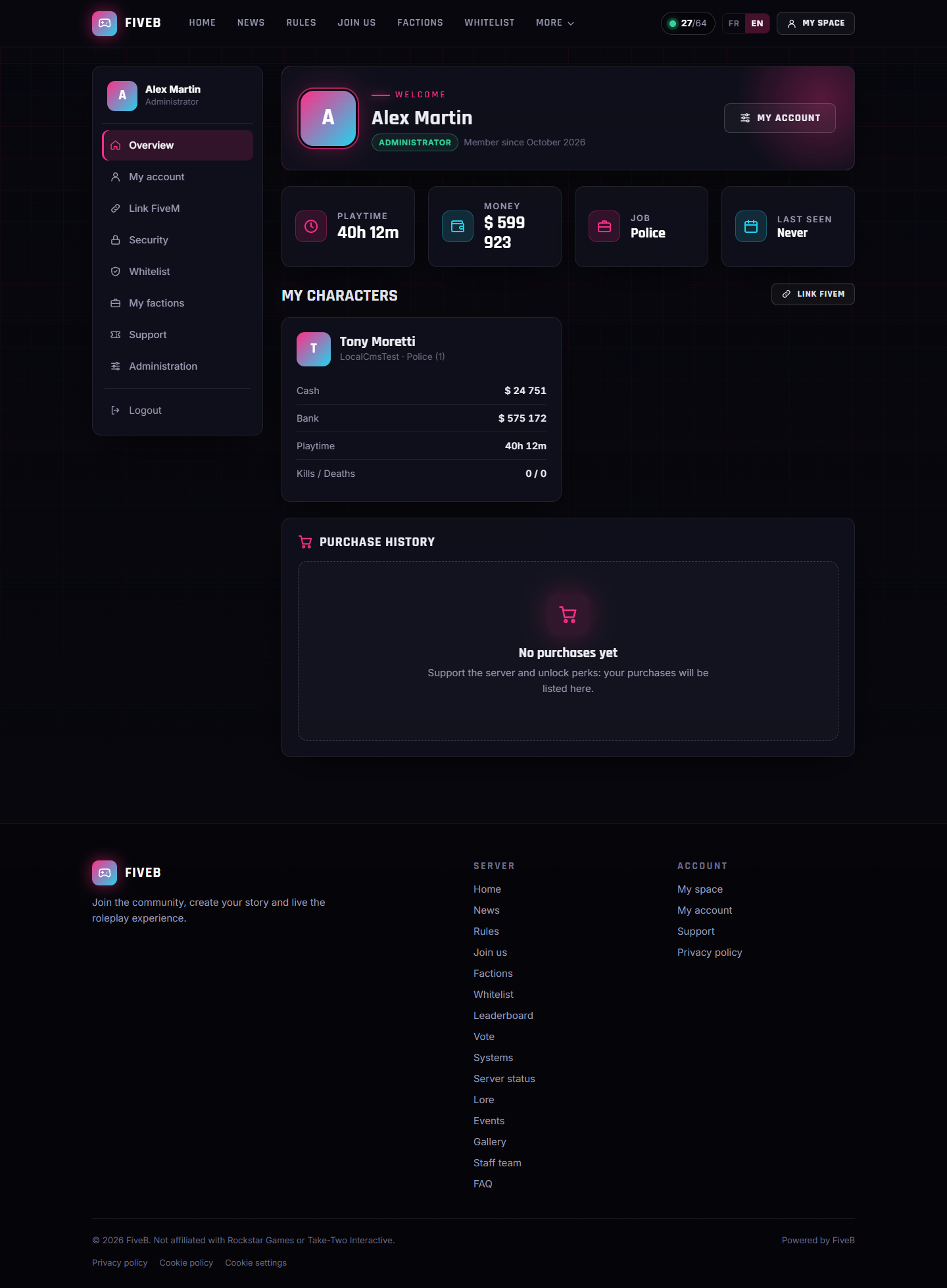
- Your website receives a signed webhook and shows the purchase in the player’s history.
Step 1: create the webstore on Tebex
- Create a webstore at creator.tebex.io and choose FiveM as the game type.
- Create your packages. For each one, add the command to run in game in the Game server commands tab.
- Go to Integrations → API Keys and copy your public token.
Step 2: add the webhook
- In Tebex, open Developers → Webhooks → Endpoints and add your website endpoint.
- Tick at least payment completed, refunded, declined and dispute events.
- Copy the webhook secret. Your website uses it to verify that every notification really comes from Tebex.
Step 3: connect your server
In your server.cfg, add the server secret provided by Tebex in the Game Servers section:
sv_tebexSecret "your-tebex-server-key"The Tebex plugin that ships with FiveM then runs the delivery commands.
Step 4: link purchases to players
The hard part of any store is knowing who bought what. A good website signs the cart data with a secret key, so that when Tebex sends the payment webhook, the purchase is attached to the right account. If the data is missing, the player’s cfx.re identity, linked through a command such as /fivelink, is used as a fallback.
Refunds and chargebacks
Record every refund and chargeback in a log, and make sure a late payment notification cannot cancel a refund. Because disputes are common in digital sales, this matters more than it sounds.
Do it without writing the integration yourself
FiveB includes a Tebex module that shows your packages on a store page, verifies signed webhooks, links purchases to the player’s account and records refunds in an audit log. You paste your Tebex token and webhook secret into the admin and validate the webhook. The step-by-step setup is in the FiveB documentation.
New to FiveM websites? Start with our guide to choosing a FiveM CMS for a roleplay server.